
Core
Customers, properties, work, people, billing and history stay connected.
OSBLUEPRINT / 02
Set your company defaults, bring work into one operating flow, and give each role a clear view. Override the usual rule when the real world calls for it.
SOUND FAMILIAR?
If you have to chase a text, rebuild the schedule, or remember which finished job still needs an invoice, your business is asking you to hold too much in your head. OSBlueprint puts those pieces together.
Did a customer text a change that never made it onto the job?
Are you rebuilding the same schedule every week?
Is finished work still waiting to be billed?
Do you have to call the crew to find out what happened?
FIT THE BUSINESS YOU ACTUALLY RUN
Start with shared operating essentials. Add relevant industry workflows and configure how your company works. A lawn visit, a snow event, and a cleaning job should not all be forced into the same script.
Customers, properties, work, people, billing and history stay connected.
Operating patterns shape the work for the service category.
Your defaults, exceptions and responsibilities make it yours.
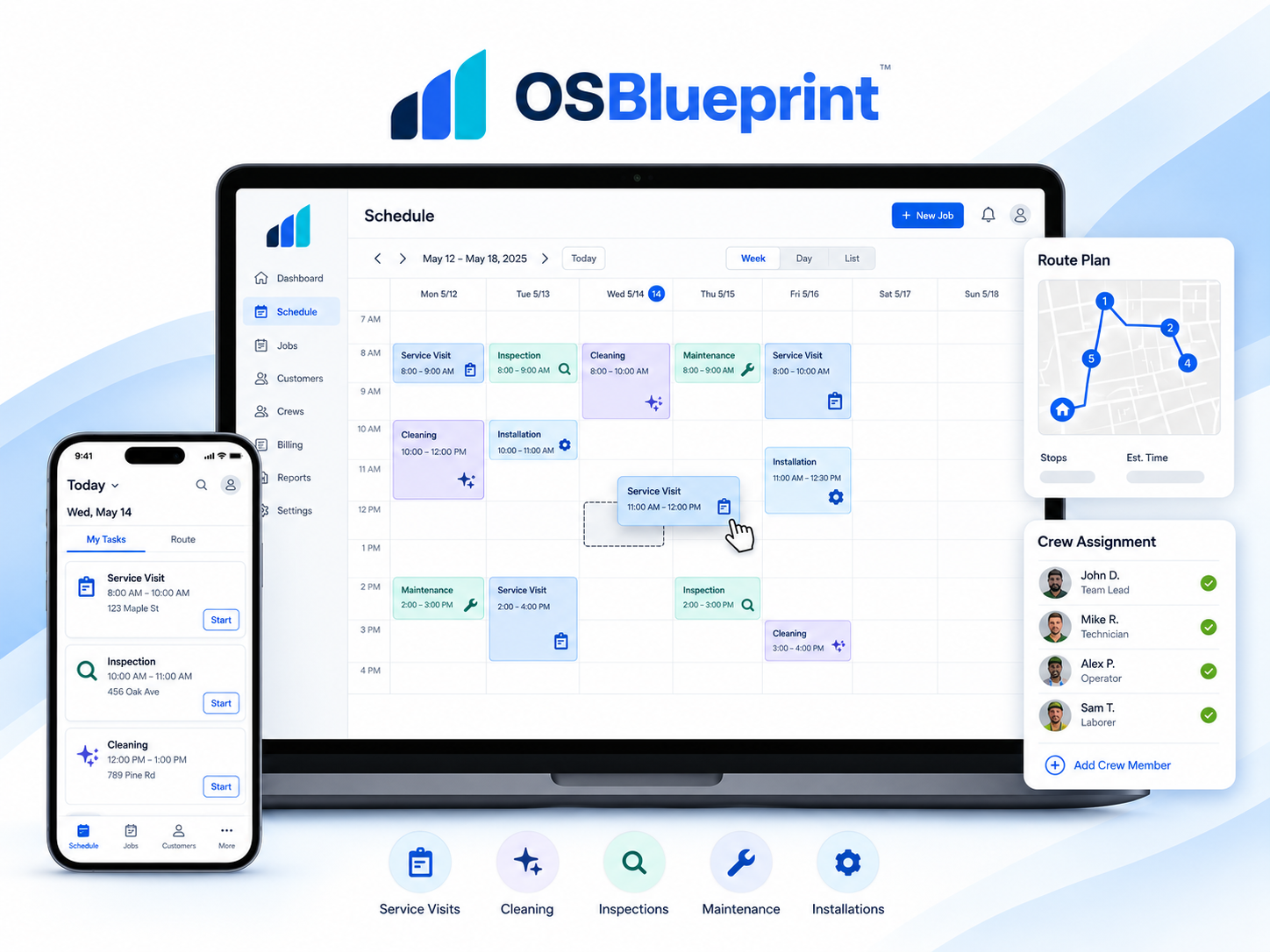
THE EXPERIENCE, IN FOCUS / 02
Crew
See assigned work and the details needed to do it. Record what happened in the field without opening the owner’s entire business.
Turn the schedule into clear assignments and field updates.
Illustrative product visualization. See current screens in the live demo.
ACTUAL PRODUCT, ACTUAL WORKFLOW
These are product captures, paired with the business outcome behind each screen.
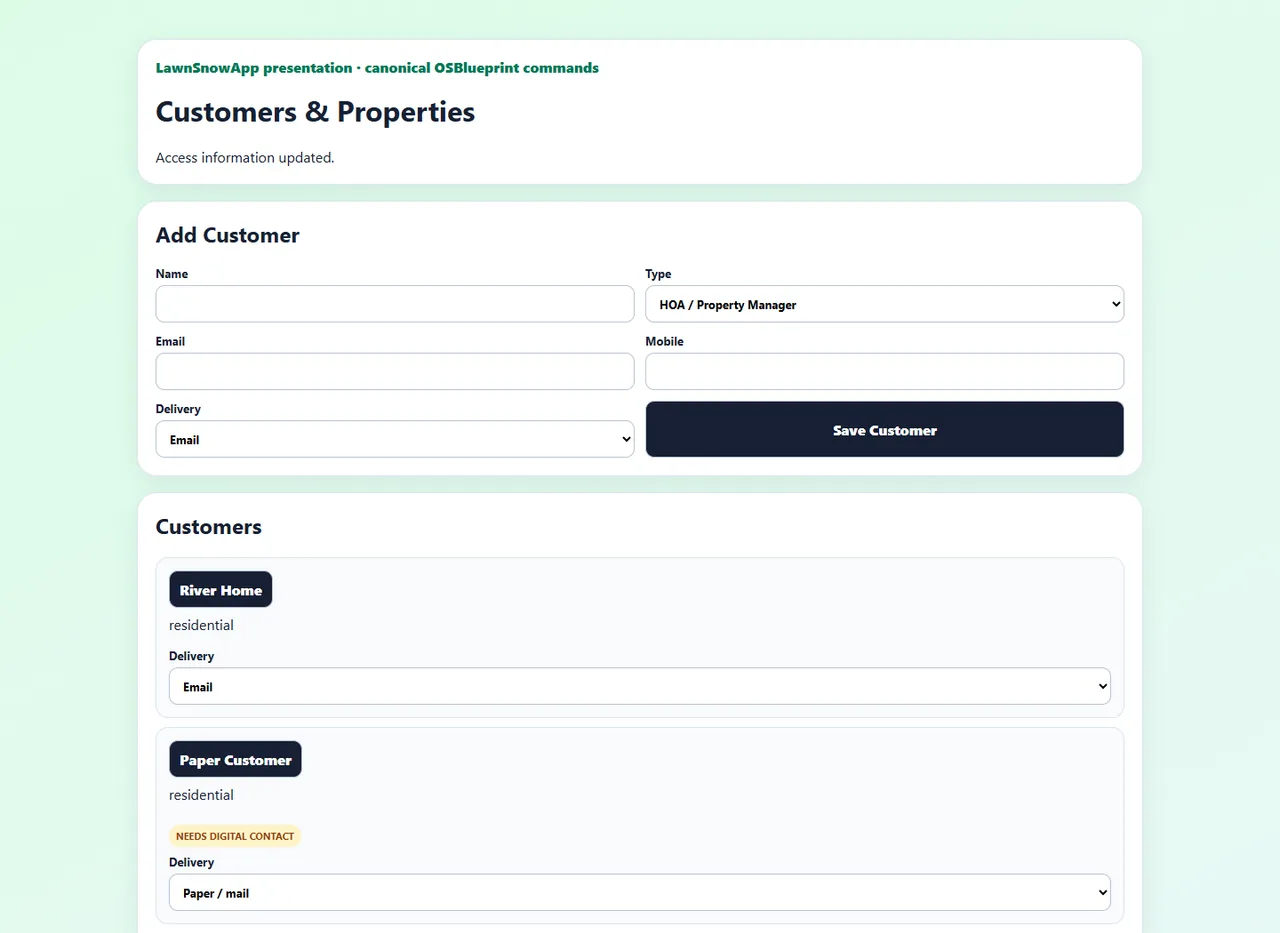
Keep service context and history attached to the place where work happens.
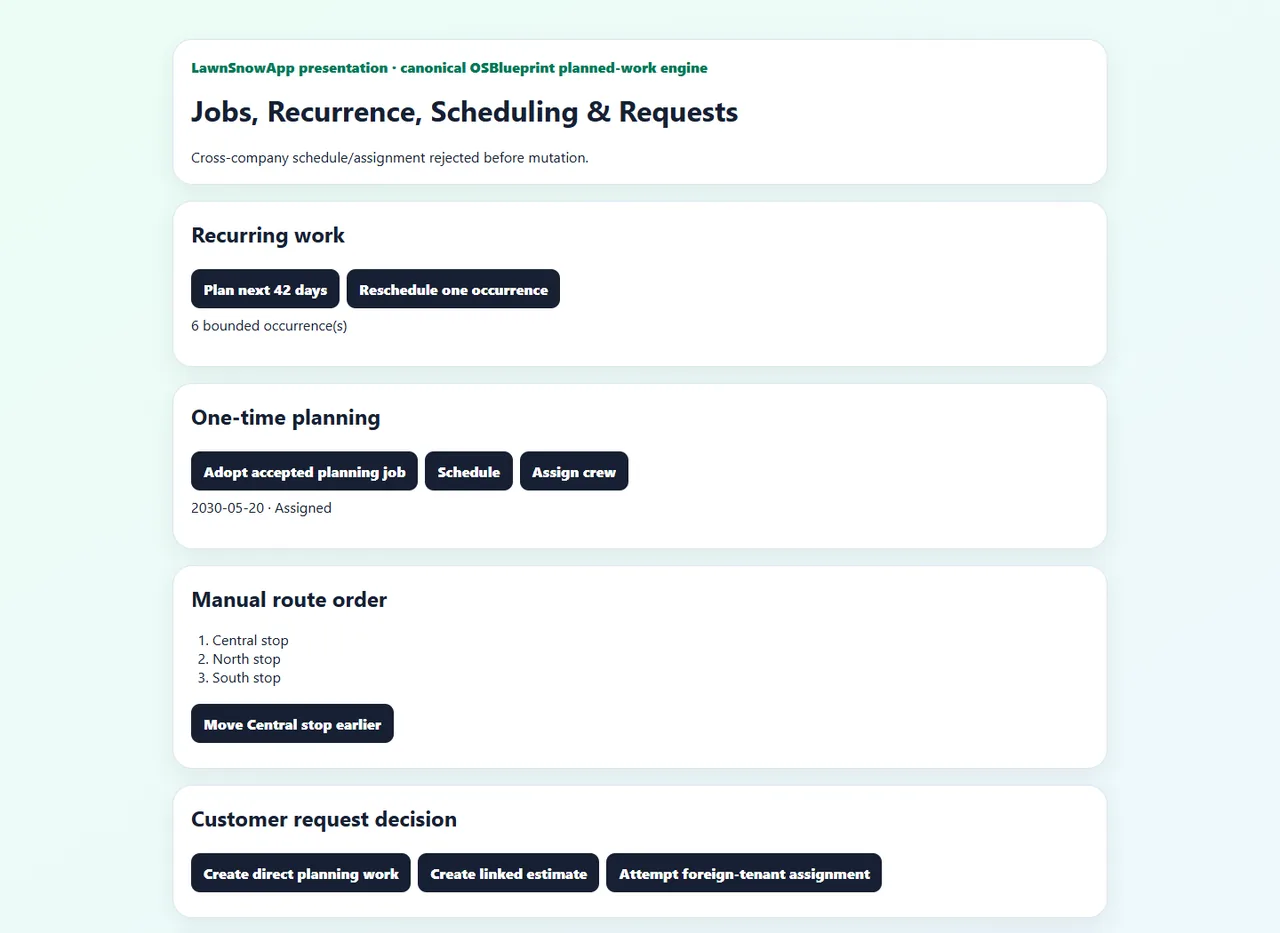
Move recurring and one-time work toward a schedule the crew can act on.
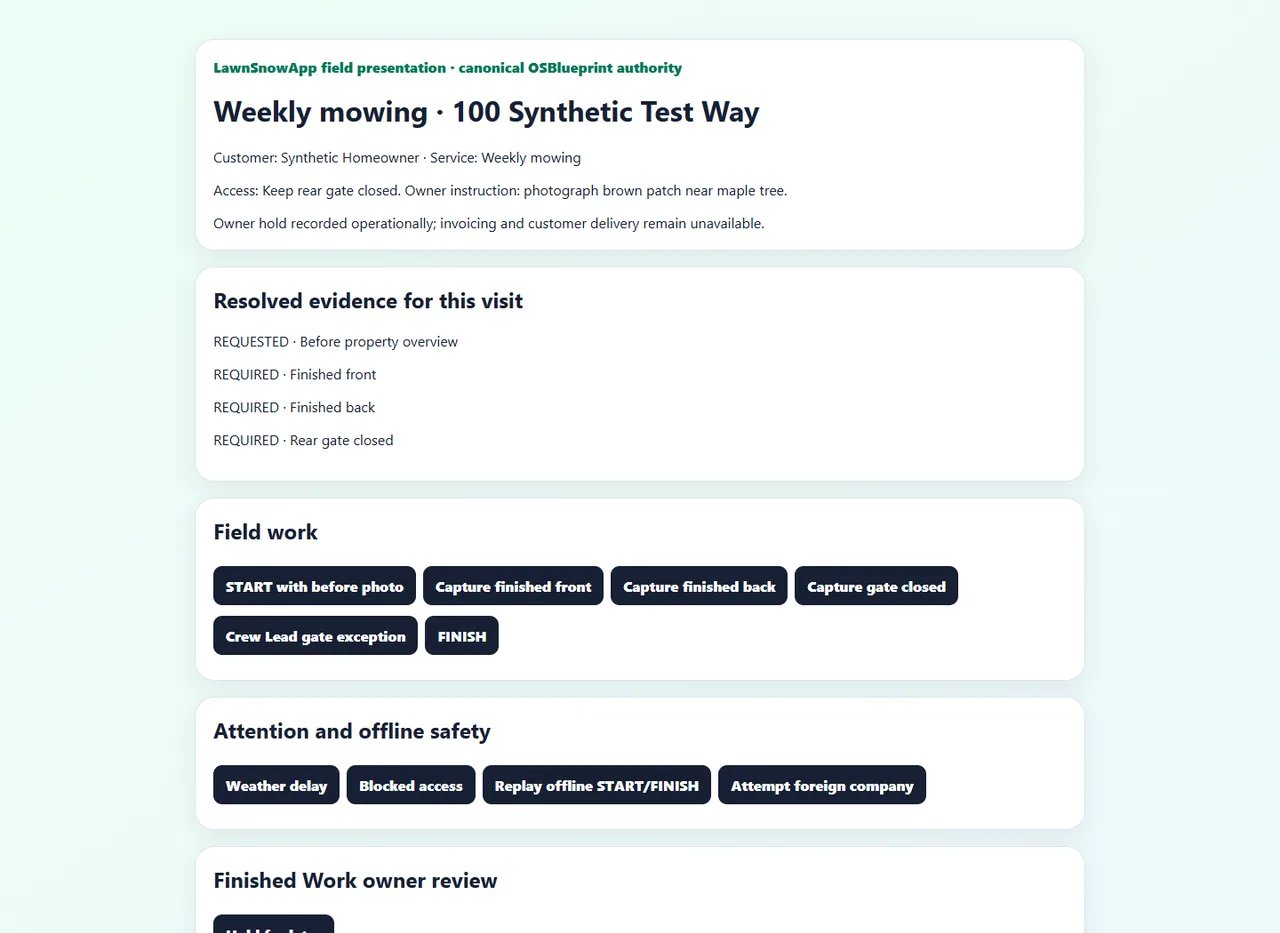
A field update reaches owner review before it becomes a customer invoice.
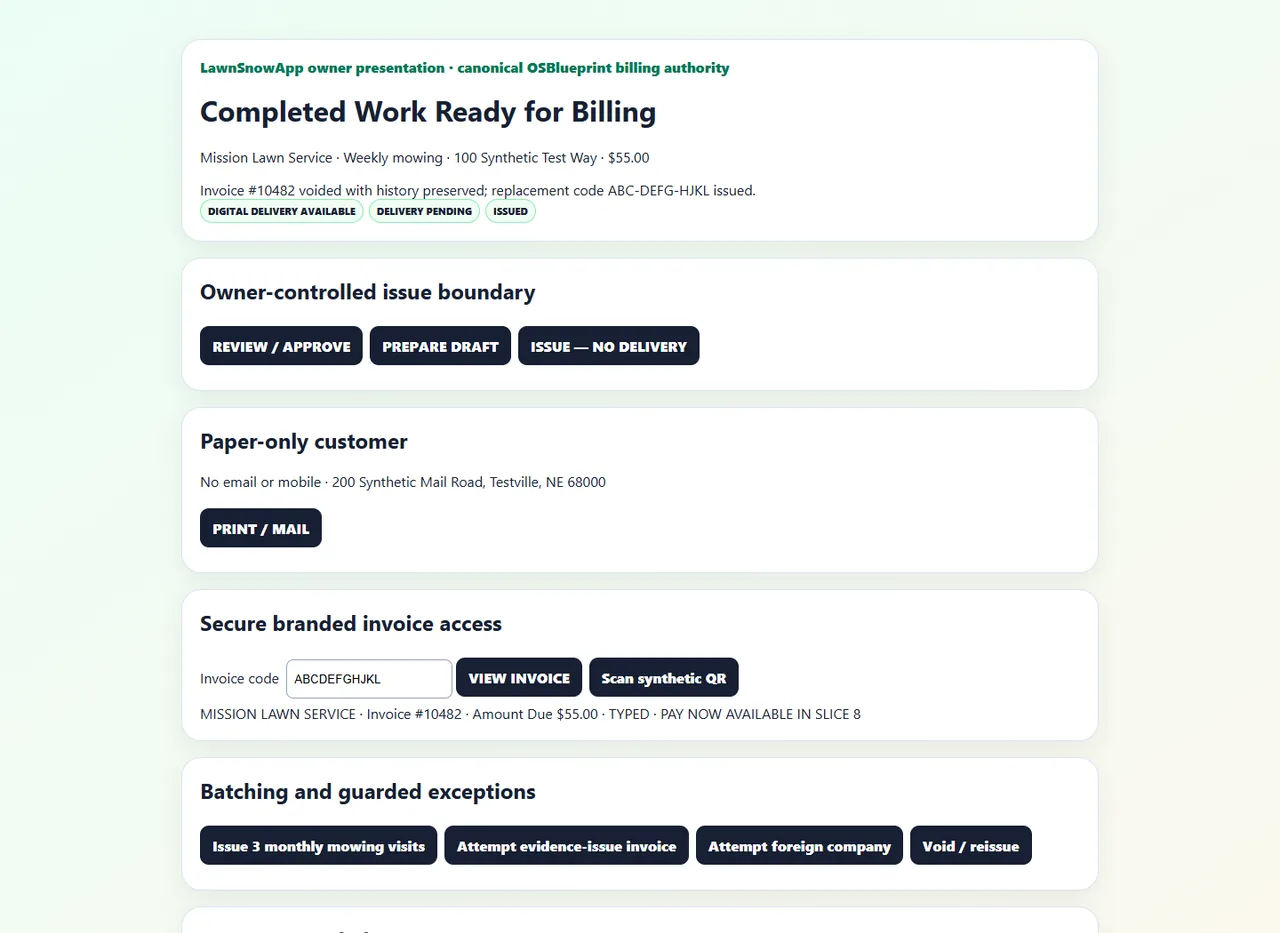
Follow a completed service through invoicing and the ongoing customer record.
YOUR NEXT STEP
Explore the live demo without booking a call. When you are ready to talk about your company’s services, rules, and handoffs, build your blueprint.